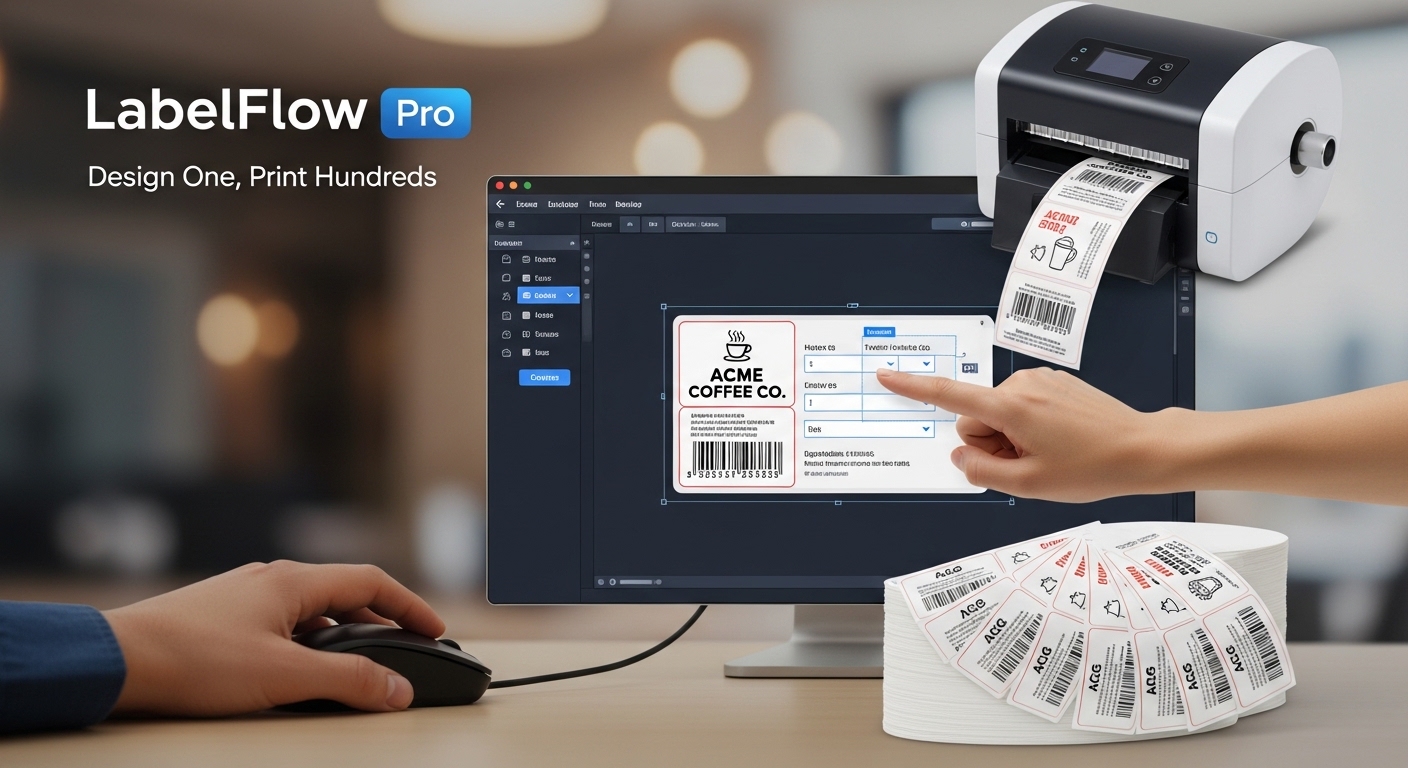
Import structured data, map fields once, and generate repeatable labels with stable formatting. For short manual jobs, create or edit the current dataset directly and use any table field in Formula Builder. For larger runs, keep the existing Excel and CSV workflow. LabelFlow Pro is built for barcode, QR code, serial number, shipping, inventory, and product labels on thermal or A4 workflows, with local-first browser processing for core jobs.
Free plan available. Pro from €12.99/month or €69.99/year.
Built-in table for short batches. Excel and CSV for larger datasets.
Need a quick test first? Try the free barcode generator, QR code generator, or thermal printer test page.
Developed by Fly Graphics Ltd. inside production workflows serving aviation and industrial labeling environments, where accuracy, consistency, and repeatability are required.
Start with the built-in table for a quick manual batch, or import Excel and CSV files for larger jobs. Edit cells, add or duplicate rows, create custom fields, generate barcode or QR content, test formulas with the selected row, and reuse templates across repeat jobs.
Create the layout once, then apply live data across the full batch. This reduces repetitive editing, shortens setup time, and helps maintain consistent formatting across large label runs. Formula Builder handles counters like Box 1 of 10 or Pack 3 of 12 from XLSX copy columns.
Create numbered packs, boxes, cartons, pallets, or a short list of different labels without preparing a spreadsheet. Edit cells directly, add a custom field to every row, and keep using the same formula, preview, and print workflow.
Import Excel or CSV files and map columns directly to text, barcode, QR, or serial elements in the template. This makes LabelFlow Pro practical for operational labeling jobs where the source data already exists. Dynamic copy columns can also create formula aliases such as PACK_NO, PACK_TOTAL, CARTON_NO, and CARTON_TOTAL.
Generate sequential labels with prefixes, suffixes, padded numbering, and controlled increments. Useful for assets, cartons, products, internal tracking, and equipment.
Create barcode and QR-based labels directly inside the same workflow as your text and variable data. This keeps identification, scanning, and human-readable information together.
LabelFlow Pro supports common thermal workflows as well as A4 or Letter sheet layouts with controlled spacing, grid structure, and print-ready positioning.
LabelFlow Pro is designed around local processing in the browser, which helps reduce dependence on cloud-based workflows for sensitive business data such as internal SKUs, shipment details, and customer records.
Built for printers supported by your operating system and browser print dialog. Final compatibility depends on printer driver behavior, paper size configuration, and system settings.
Generate 1D and 2D barcodes directly from spreadsheet data fields inside the same label workflow. For single-value testing before a batch run, use the free barcode generator or verify a printed sample with the free barcode scanner.
View Barcode Support
Start generating labels in minutes. No setup required.
LabelFlow Pro is positioned for teams that need real batch-label capability without enterprise-style licensing or deployment friction.
Core label work can stay closer to the operator workflow instead of forcing routine jobs through a cloud-first stack.
Open the app, load sample or live data, and start building a repeatable label workflow without a large desktop installation.
Start with the free version for evaluation and basic label work, then upgrade when you need unlimited templates, production use, and business-ready output.
Forever
per year
per month
One-time payment
Build repeatable labels for parts, batches, production steps, and internal tracking directly from structured job data.
Generate pallet labels, carton IDs, shelf markers, and shipping identifiers in bulk from existing SKU and destination data.
Print stock, shelf, SKU, and product labels from spreadsheets with predictable layout reuse across recurring label jobs.
The core workflow is simple: create or import data, connect it to a template, and run the output batch. Use the internal editor for short jobs and structured files for larger repeat workflows.
Useful where label data already exists in spreadsheets or exported operational files.
Suitable for SKU labels, asset labels, warehouse locations, shipping IDs, and production identifiers.
Built for repeat batch-label work with less setup overhead than traditional desktop label software.
Reduces manual label editing, spreadsheet workarounds, and dependence on traditional label software for repeat jobs.
Yes, if the printer is available through your operating system and standard browser print flow. Final results depend on the driver, paper size setup, print scaling, and label stock configuration. View printer compatibility details .
Yes. The workflow is designed around importing spreadsheet data, binding fields directly to label elements, and running the label batch from the template.
Yes. You can combine text fields, serialized numbering, and barcode or QR output in the same template, depending on the plan and workflow.
Core data binding and label rendering are designed around local browser-based processing, reducing the need to route routine label data through a cloud workflow. Read privacy details .
Both. The built-in dataset editor is efficient for a single label or short manual batch, while Excel and CSV imports are better for large, repeatable jobs with maintained source data.
Review compatibility notes, barcode guidance, privacy details, workflow documentation, and product changes before rollout.
See how LabelFlow Pro was developed by Fly Graphics Ltd. from real production workflow requirements.
Open About PageSee how core label data is handled locally and how Lemon Squeezy is used for payment and licensing workflows.
Open Privacy PageReview driver-based printing guidance, supported workflow types, and practical configuration notes.
Open Compatibility PageSee supported barcode formats, use cases, and guidance for readable, scannable print output.
Open Barcode PageReview the practical spreadsheet-to-label workflow without relying on mail merge workarounds.
Open Workflow PageExplore how structured data sources fit repeatable label workflows for production, warehouse, and shipping jobs.
Open Data Workflow PageTrack feature additions, fixes, and release history as the product evolves.
Open ChangelogTest the workflow with your own data and move from manual edits to repeatable label production.
Start Free