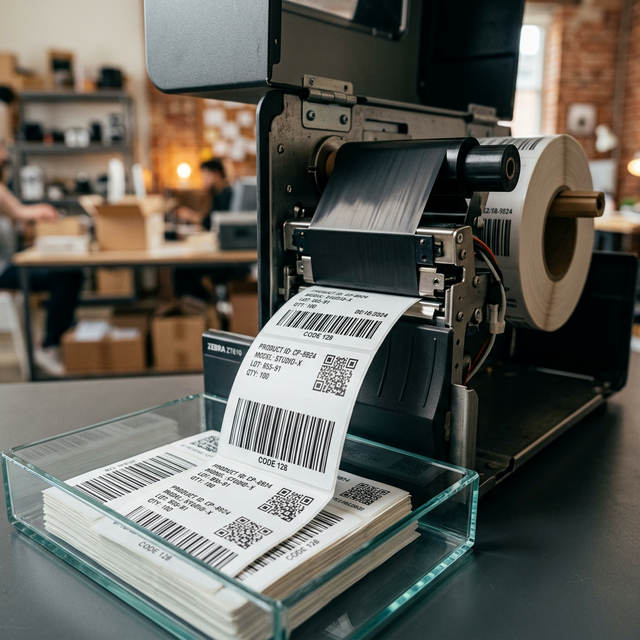
How to Print Labels from Excel with Table-to-Label Accuracy

If your current workflow involves copy-paste, manual edits, or mail merge hacks, it is already wasting time. LabelFlow Pro is the professional standard for data-to-label production: import Excel or XLSX tables, map fields to reusable templates, and generate precision batches in seconds.

Bridging the gap between spreadsheet and label

While Excel is excellent for data management, it lacks the layout precision, live preview, and barcode generation required for professional labeling. LabelFlow Pro acts as the production bridge for your spreadsheet data.

Productive workflow

  • Excel/XLSX Mapping: Direct binding of columns to label elements.
  • Header Control: Define header rows for precise field recognition.
  • QTY Logic: Use a spreadsheet column to drive individual print counts.
  • Image Assets: Load dynamic images via URLs or file paths in your table.
  • Live Preview: Real-time rendering of your entire table-to-label batch.

Excel Label Workflow
02

What you can print from Excel

  • Shipping labels
  • Product labels
  • Inventory labels
  • Barcode labels
  • Shelf labels
  • Asset labels
  • Variable-data product batches
Label Types from Excel

Why this is faster than mail merge

LabelFlow Pro is purpose-built for labels. That means better alignment, better repeatability, better handling of dynamic data, and less manual cleanup.

Frequently asked questions

Is XLSX supported natively?

Yes. We support modern XLSX and legacy XLS formats. Our data-to-label engine preserves your data types and formatting during the import process.

Can I map multiple barcodes to my Excel data?

Yes. You can place an unlimited number of barcodes and QR codes on one label and bind each one to a different column in your spreadsheet.

Does my data leave my computer?

No. LabelFlow Pro uses a local-first architecture. All your spreadsheet data is processed entirely in your browser using IndexedDB for maximum privacy.

How do I handle varying quantities per row?

In our table-to-label manager, you can select a column (like "QTY") to drive individual print counts, so you don't have to print records one by one.

Can I use CSV instead of Excel?

Yes. CSV is often the fastest format for high-volume operational labeling and industrial relabeling tasks.

Can I merge Excel data with serial numbers?

Yes. You can combine static imported fields with dynamic serial generators to create unique, sequential unit labels for each row in your table.

Stop using spreadsheet workarounds for a labeling problem. Import your data and print properly.